
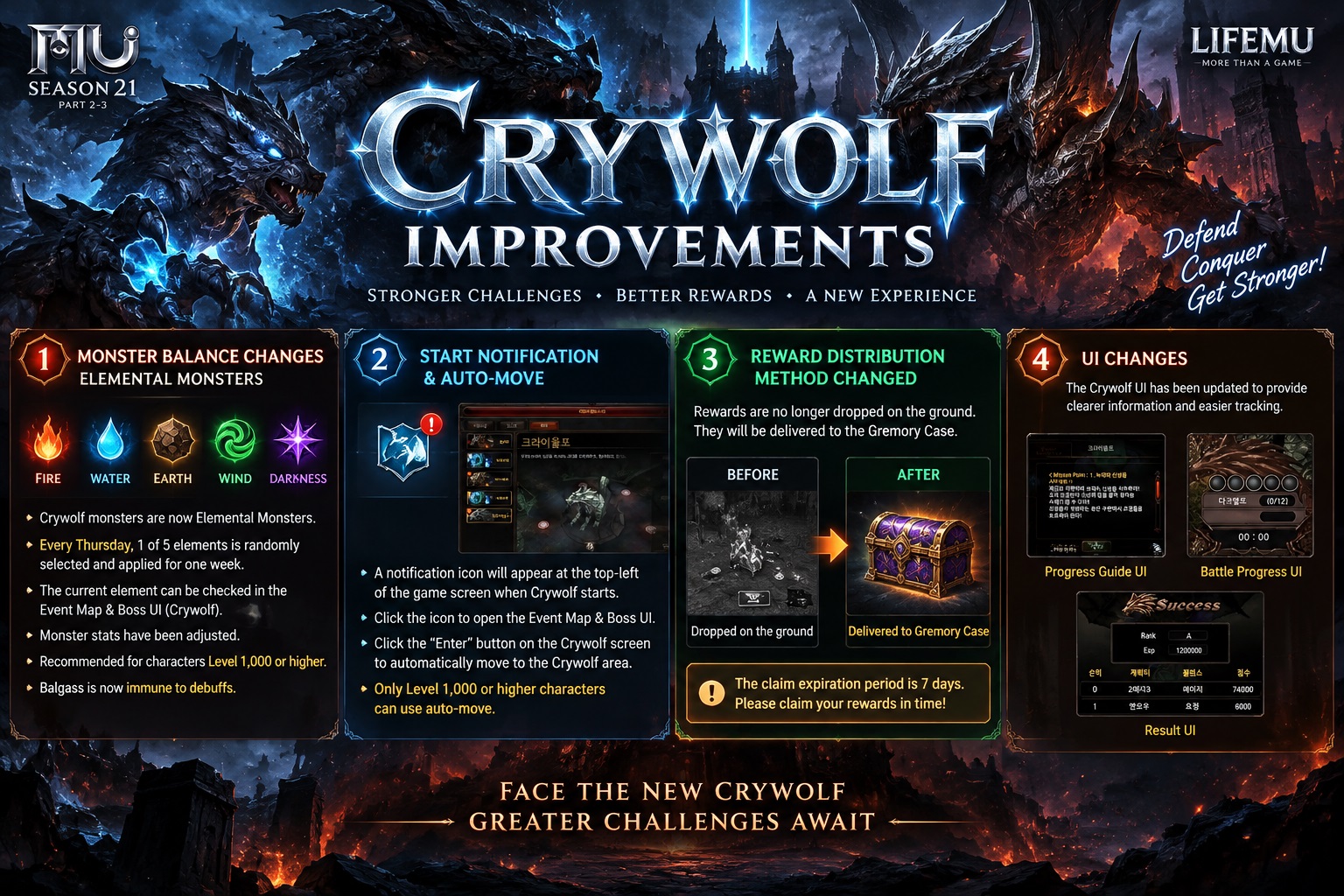
Crywolf has been improved with several changes to monster mechanics, elemental attributes, event access, reward distribution, and the event interface.
1. Monster Balance Changes
Crywolf monsters have been changed into Elemental Monsters. Their elemental attribute will rotate weekly, creating different combat conditions for players.
| Feature | Details |
|---|---|
| Elemental Monsters | Crywolf monsters are now Elemental Monsters |
| Element Rotation | Every Thursday, 1 of 5 elements is randomly selected: Fire, Water, Earth, Wind, or Darkness |
| Element Information | The current element can be checked in the Event Map & Boss UI → Crywolf |
| Monster Stats | Crywolf monster stats have been adjusted |
| Recommended Level | The content is now recommended for characters Level 1,000 or higher |
| Balgass | Balgass is now immune to debuffs |
2. Start Notification & Auto-Move
When the Crywolf event begins, a notification icon will appear at the top-left corner of the game screen.
| Function | Details |
|---|---|
| Event Notification | A Crywolf notification icon appears when the event starts |
| Event Information | Click the icon to open the Event Map & Boss interface |
| Auto-Move | Click Enter on the Crywolf screen to automatically move to the Crywolf area |
| Auto-Move Requirement | Available only for characters Level 1,000 or higher |
3. Reward Distribution Changes
The Crywolf reward distribution method has been improved. Rewards will no longer be dropped directly onto the ground.
| Before | After |
|---|---|
| Rewards dropped on the ground | Rewards are delivered to the Gremory Case |
Reward claim period: 7 days.
Players should claim their rewards from the Gremory Case before they expire.
4. Crywolf UI Changes
The Crywolf interface has also been updated to provide clearer event information and make it easier to track battle progress.
| UI | Function |
|---|---|
| Progress Guide UI | Displays Crywolf objectives, mission progress, success conditions, and penalties |
| Battle Progress UI | Displays real-time battle/event progress |
| Result UI | Displays the final event result, rank, EXP, character ranking, and score |
These improvements make Crywolf easier to access and follow while introducing a new elemental monster system and a more convenient reward distribution method.