
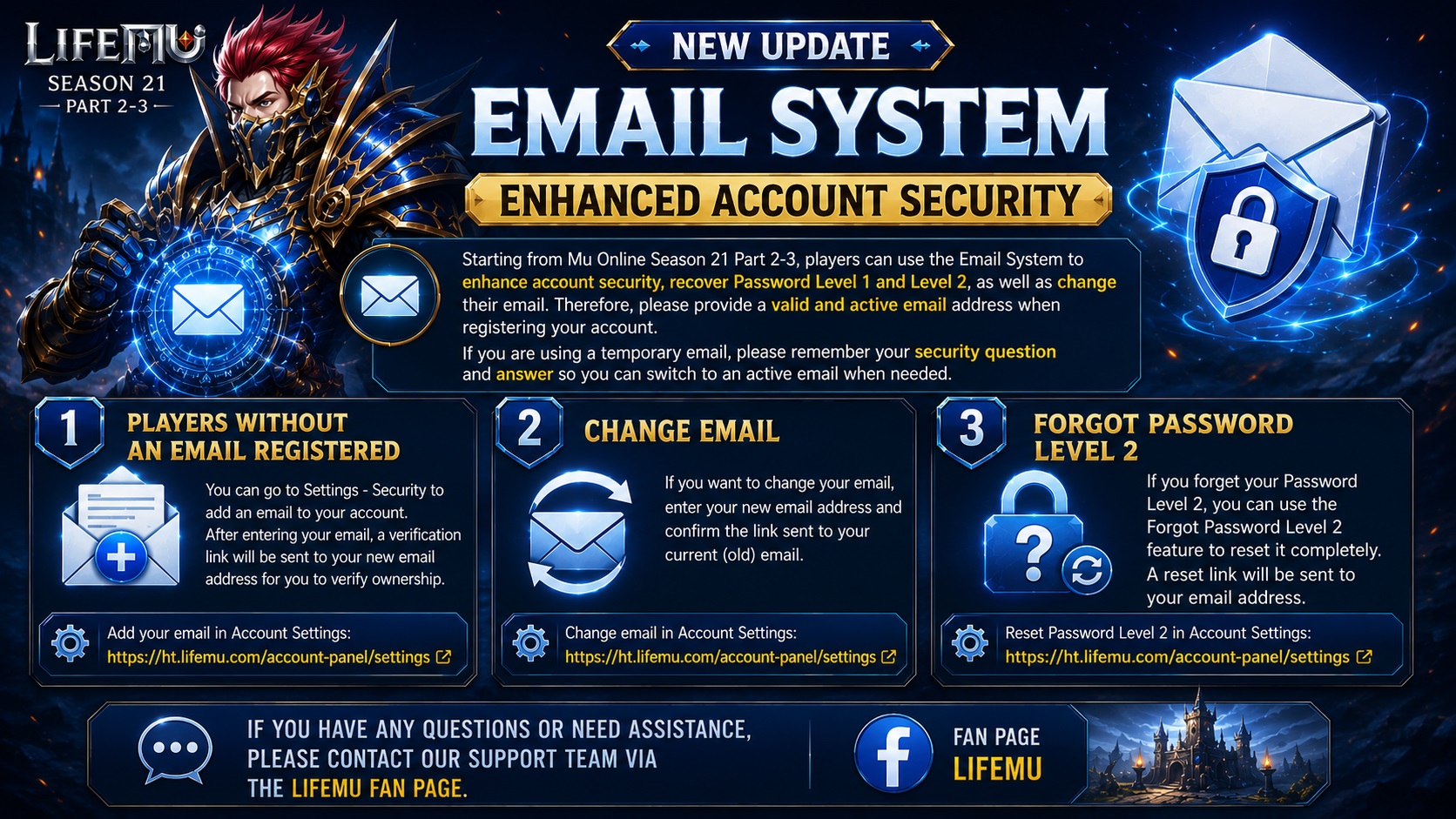
Starting from MU Online Season 21 Part 2-3, players can use the Email System to enhance account security, recover Level 1 and Level 2 passwords, and change their registered email address.
Therefore, please make sure to enter a valid and active email address when registering your account. If you use a temporary or virtual email address, please remember your security question and answer so that you can later change it to an active email address.
- Players who did not provide an email when registering their account:
You can go to Settings – Security to add an email address to your account. After entering your email, a verification link will be sent to the new email address to verify ownership. Add an email to your account under Account Settings: Account Settings - Change Email:
If you wish to change your email address, enter your new email address and confirm the verification link sent to your current email address. The Change Email feature is available under Account Settings: Account Settings - Forgot Level 2 Password:
If you forget your Level 2 password, you can use the Forgot Level 2 Password feature to reset it completely. A reset link will be sent to your registered email address, allowing you to set a new Level 2 password. The Level 2 Password reset feature is available under Account Settings: Account Settings
If you have any questions or need assistance, please contact our Support Team via the LifeMU Fan Page.