
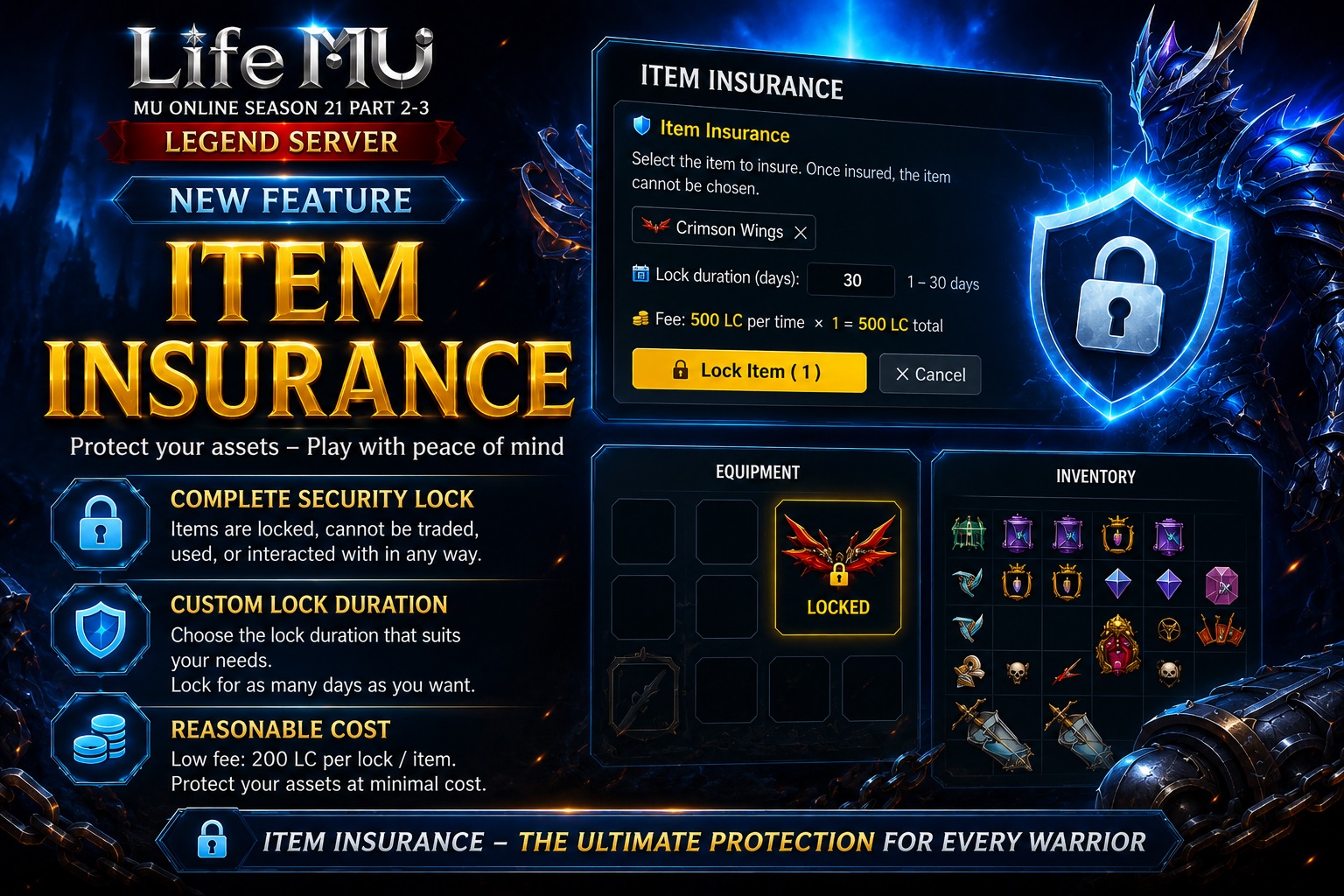
LifeMU is pleased to introduce a new feature designed to enhance account and item security for all players: Item Insurance.
With the Item Insurance system, players can lock valuable items for a selected period of time, helping prevent item loss in situations such as sharing an account with another player or accidentally exposing your account ID and password.
How to Lock an Item
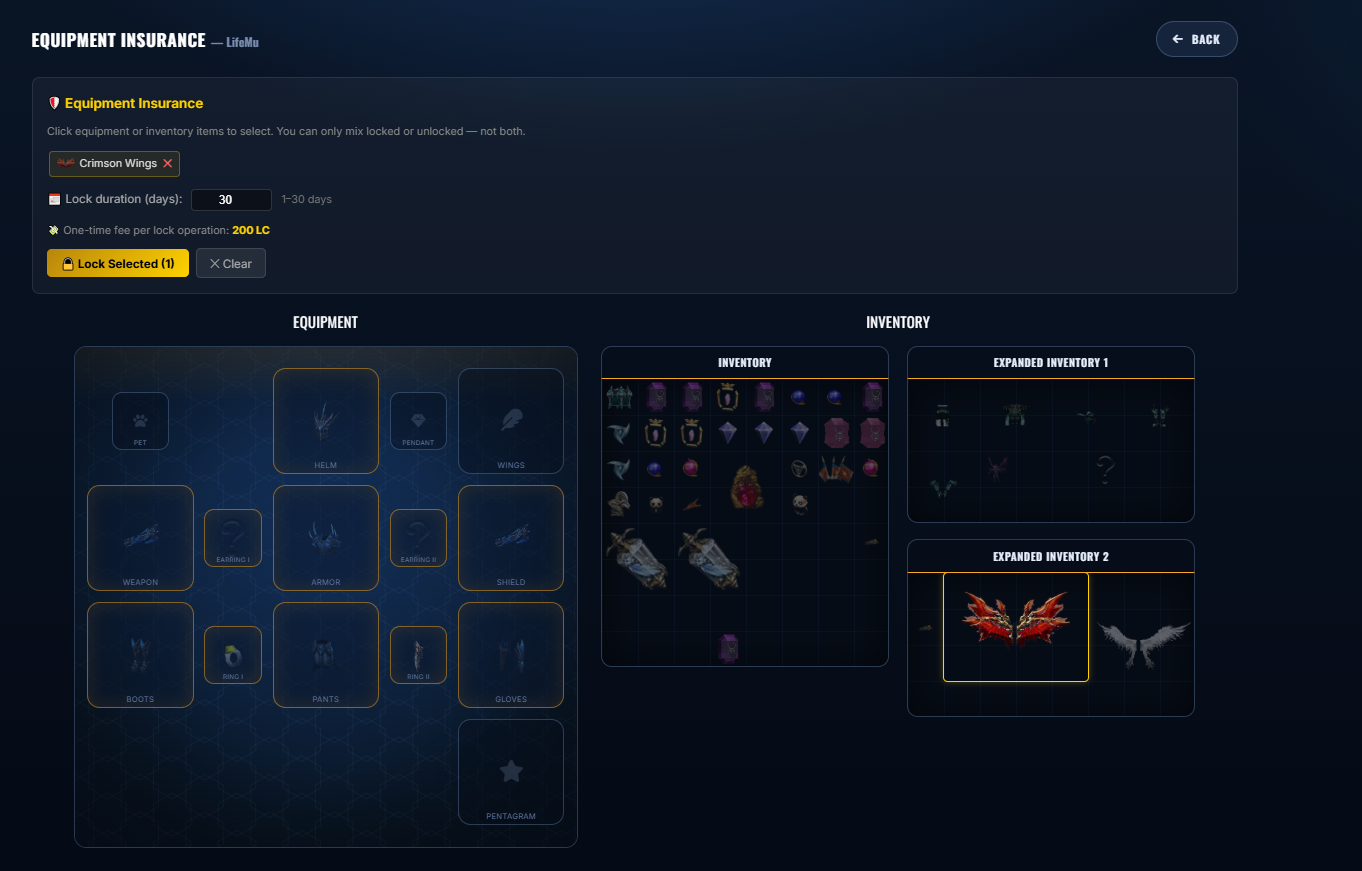
Step 1: Go to the Account Management page and access Item Insurance:
Item Insurance – LifeMU Account Management
Step 2: Set up a PIN code. This PIN will be required whenever you lock or unlock an item.
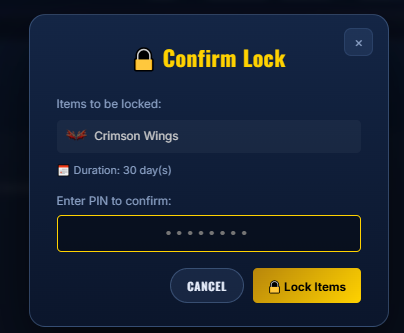
Step 3: Select the item you want to protect and choose the desired lock duration.
Step 4: Enter your PIN code and confirm.
Once the item has been successfully locked, its status will be displayed as “Locked”.
How to Unlock an Item
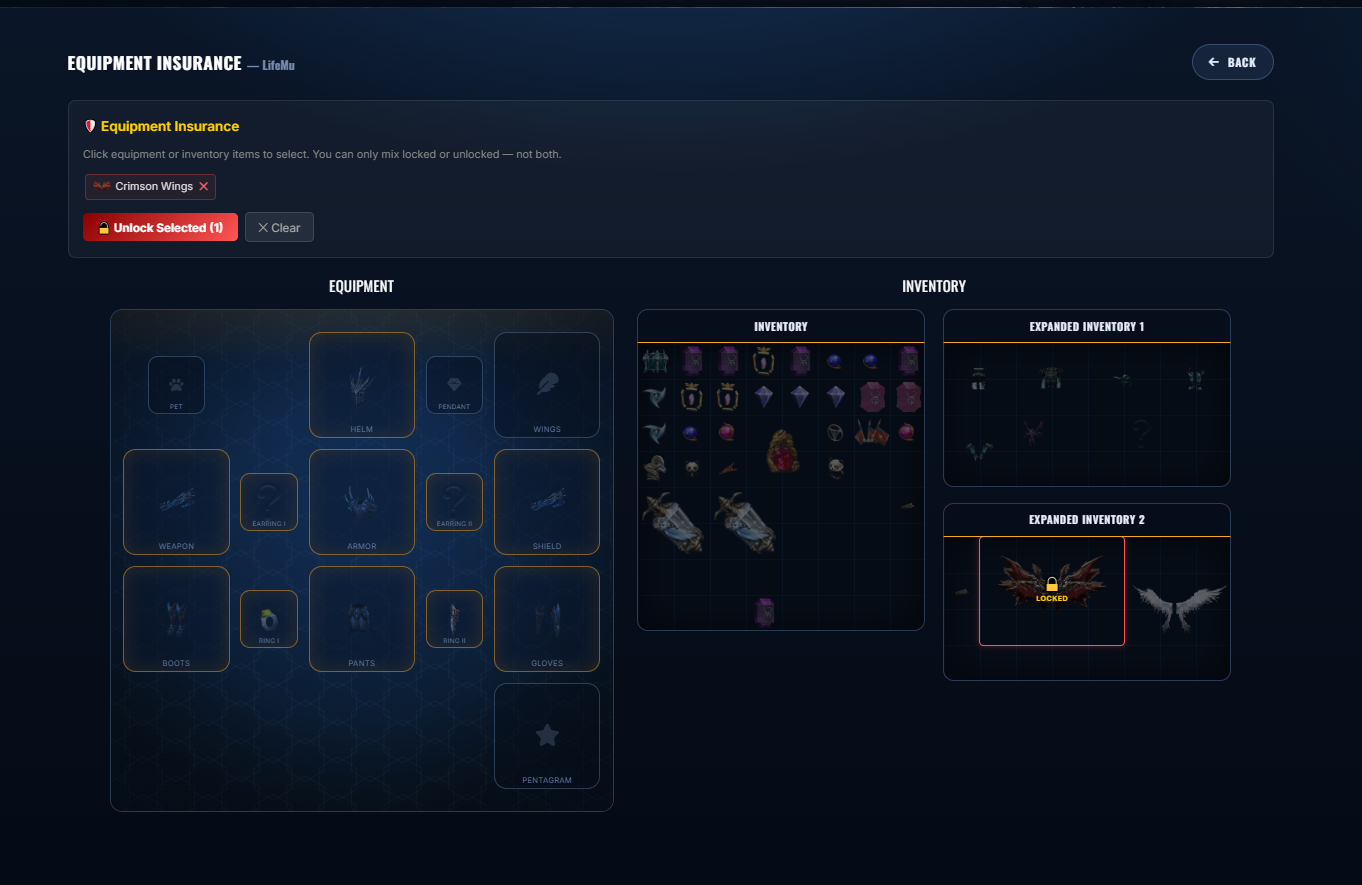
Step 1: Select the item that is currently locked.
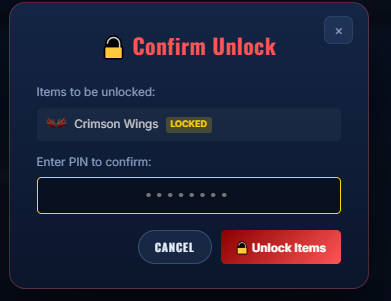
Step 2: Enter your PIN code and confirm the unlock request.
Important Notes
- While an item is locked, it cannot be traded.
- Only valuable items are eligible for the Item Insurance system.
- If you would like to lock a specific item that is not currently supported, please contact the LifeMU Administration Team. We can review your request and add the item to the eligible list.
LifeMU – MU Online Season 21 Part 2-3
Protect your valuable items and enjoy a safer gaming experience.